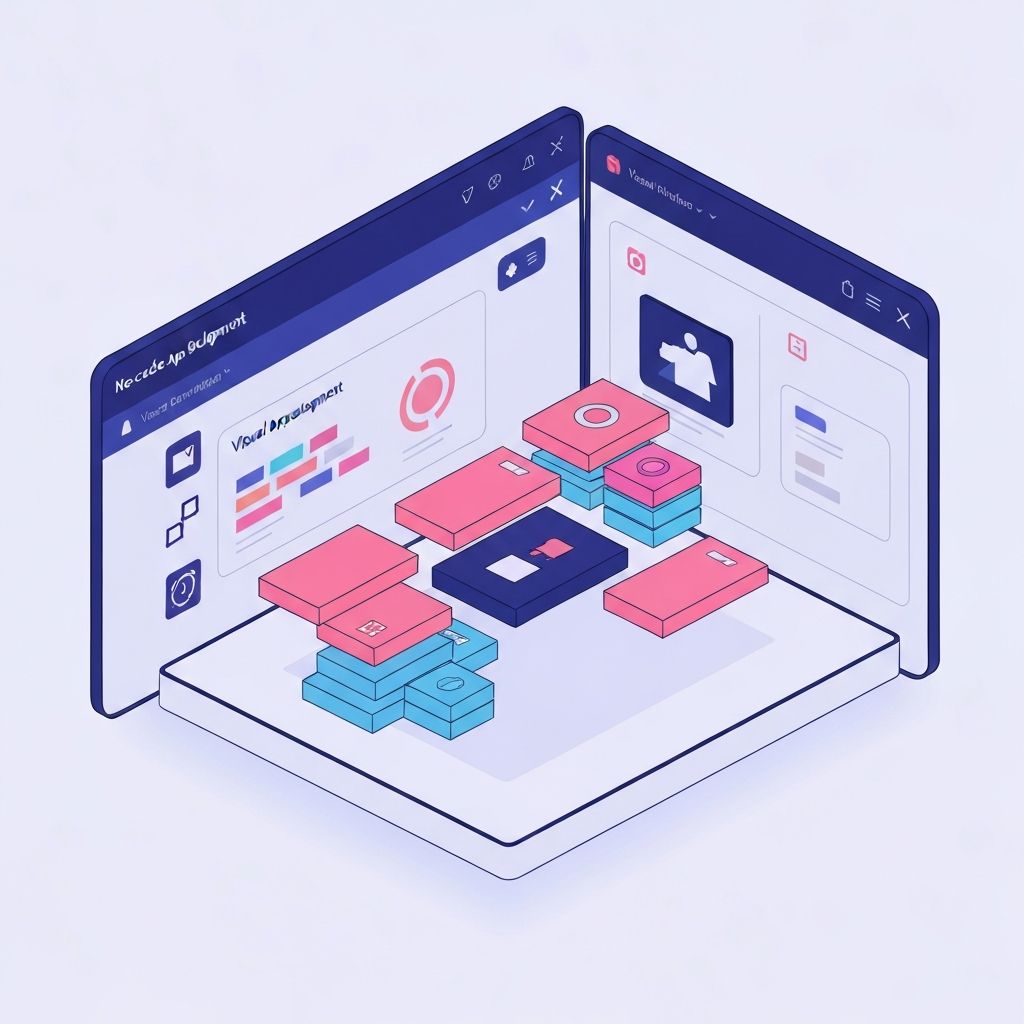
The Rise of No-Code Development
The no-code movement is transforming who can build software. What once required years of programming education can now be accomplished by anyone with an idea and determination. This isn't about replacing developers—it's about empowering more people to create.
What is No-Code?
No-code platforms provide visual interfaces for building applications. Instead of writing code, you:
- Drag and drop components
- Configure settings through forms
- Connect services through visual workflows
- Design interfaces with WYSIWYG editors
- Test market demand quickly
- Iterate based on user feedback
- Raise funding with a working product
- Employee directories
- Inventory management systems
- Customer support dashboards
- Approval workflows
- Deliver projects faster
- Reduce development costs
- Empower clients to make updates
- High-traffic applications
- Complex calculations
- Real-time features
- Generate app components from descriptions
- Automate complex workflows
- Provide intelligent suggestions
- Rapid prototyping
- Citizen developer programs
- Business process automation
Top No-Code Platforms in 2025
1. Bubble
Best For: Complex web applications
Bubble allows you to build full-featured web applications with databases, user authentication, APIs, and complex logic—all without code.
Success Story: Dividend Finance raised $200M after building their initial product on Bubble.
2. Webflow
Best For: Professional websites and CMS
Webflow gives you the power of custom code with a visual interface. The resulting websites are clean, fast, and SEO-friendly.
Perfect For: Marketing sites, portfolios, and content-driven websites.
3. Airtable
Best For: Data management and simple apps
Airtable combines spreadsheet familiarity with database power. Its interface designer lets you create custom apps on top of your data.
Use Case: Project management, inventory tracking, CRM systems.
4. Zapier / Make
Best For: Automation and integration
Connect thousands of apps and automate workflows without any coding. Perfect for eliminating repetitive tasks.
Example: Automatically add form submissions to your CRM, send a Slack notification, and create a task in Asana.
5. Glide
Best For: Mobile apps from spreadsheets
Turn Google Sheets into mobile apps in minutes. Ideal for internal tools and simple customer-facing apps.
Real-World Applications
Startup MVP
Build and validate your idea before investing in custom development. Many successful startups started with no-code MVPs:
Internal Tools
Companies are using no-code to build:
Client Projects
Agencies and freelancers use no-code to:
Limitations to Consider
Performance
No-code apps may not match the performance of custom-coded solutions for:
Customization
Sometimes you'll hit walls where the platform can't do exactly what you need.
Vendor Lock-in
Your app lives on the platform. Migrating to custom code later requires rebuilding.
The Future of No-Code
AI Integration
No-code platforms are integrating AI to:
Better Performance
Platforms are continuously improving performance, narrowing the gap with custom code.
Enterprise Adoption
Large companies are embracing no-code for:
Getting Started
1. Identify a Problem: Start with a real problem you want to solve 2. Choose a Platform: Match the platform to your use case 3. Start Simple: Build a basic version first 4. Learn and Iterate: Expand functionality as you learn
Conclusion
The no-code revolution isn't about eliminating developers—it's about expanding who can participate in building software. Whether you're an entrepreneur with an idea, a business professional streamlining processes, or a developer prototyping quickly, no-code tools deserve a place in your toolkit.